
Before leaving a shared album
Check which shared photos and videos still need to be saved before access changes.
Find shared photos and videos that are not yet in your personal library, then save the missing items locally. No uploads, no account.
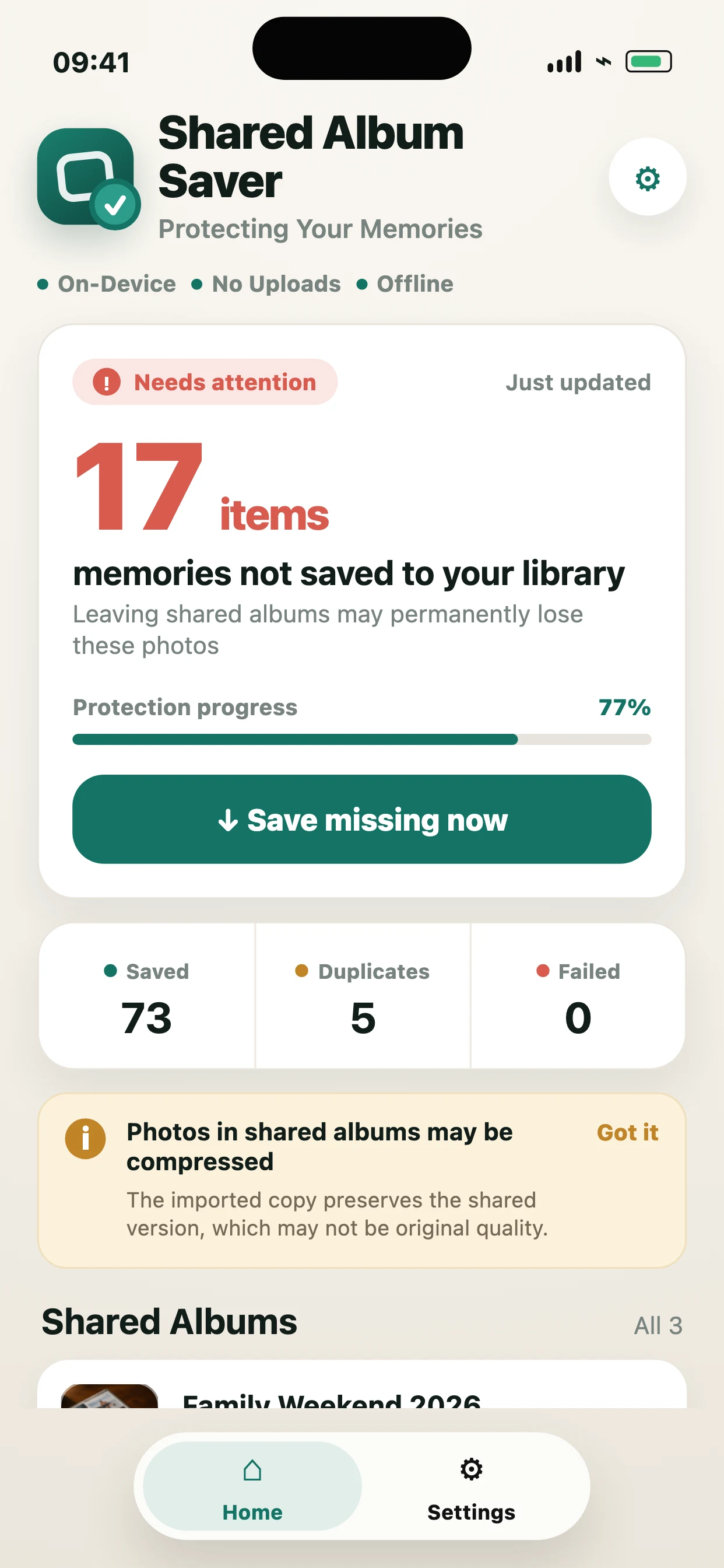
Items in a shared album are not the same as items safely kept in your own library. Shared Album Saver gives you a short checklist before you leave an album, switch phones, or clean up Photos.
Check which shared photos and videos still need to be saved before access changes.
Review a large album without manually comparing every thumbnail in Photos.
Confirm important shared memories are local before an upgrade or Apple ID change.
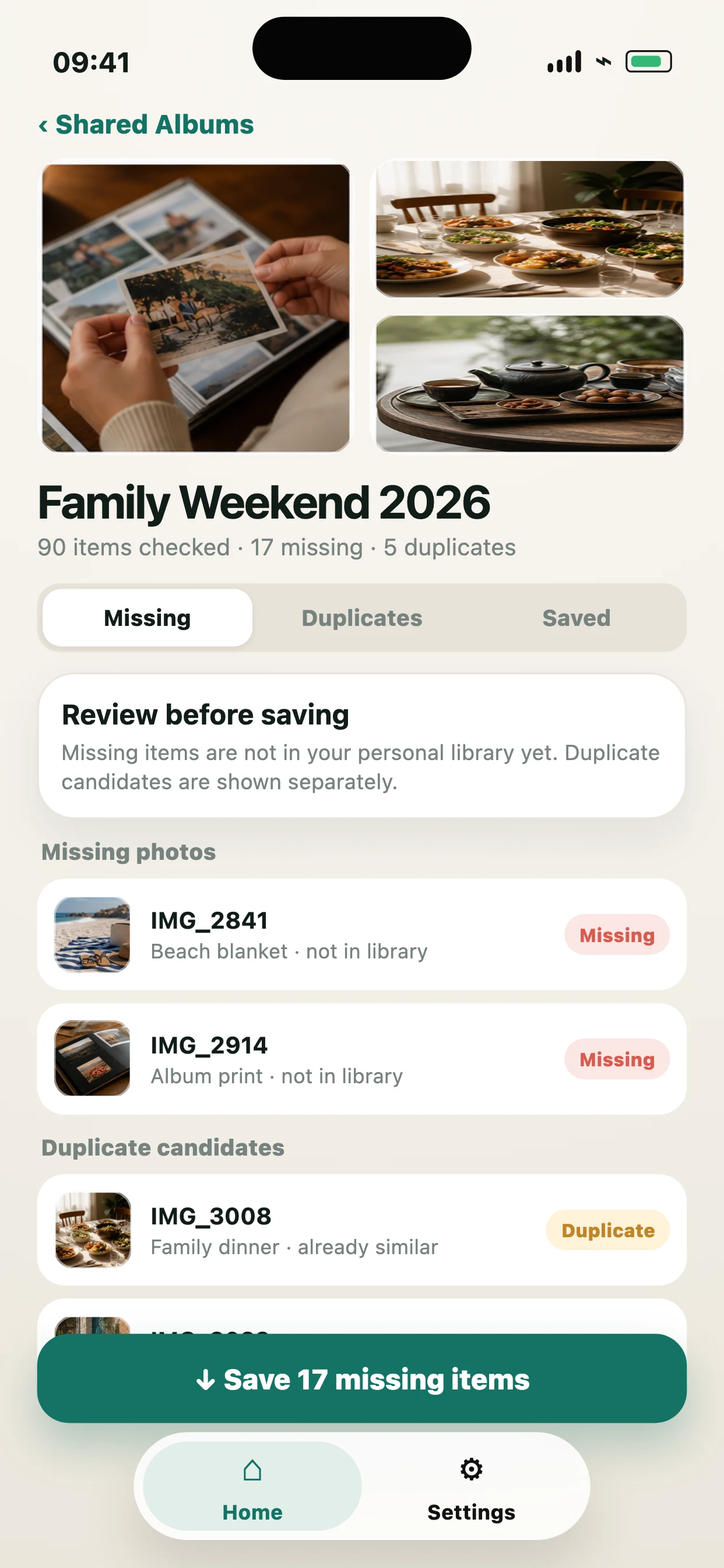
The app keeps the main decision visible: what is missing, what is already saved, and what needs attention before you import.
Shared Album Saver is useful when you want the available shared copy in your own iPhone library, not when you need a perfect original-quality archive.
Shared Album Saver does not turn Shared Albums into original-quality backups. It saves the files Apple provides and explains the tradeoffs before you import.
Scan every Shared Album and complete your first 10 syncs free. Unlock unlimited syncing with one $4.99 purchase in the U.S. No subscription and no cloud account; local pricing can vary by region.
Open App StoreAvailable on App Store
Open the App Store listing to get the app. Shared Album Saver remains a local iPhone utility with no cloud account and no photo uploads.
App Store pricing and availability can vary by region.
Apple Photos lets you save shared items manually. Shared Album Saver helps by scanning first, showing which shared photos and videos are missing from your library, and importing selected missing items.
No. A shared item is safest when it has been added to your own Photos library. Shared Album Saver is designed to help you find those missing items.
The app needs to compare Shared Albums against your personal library. Limited access can hide items and make the audit incomplete.
Not always. Shared Albums contain Apple-provided copies, and those copies may be lower quality or contain less information than the original files.
No. It identifies duplicate candidates and helps you avoid repeat imports, but it does not delete user photos.
No. Scanning and importing are designed to happen on device. There is no account, no cloud processing, and no photo upload.